

Best WinRAR Alternative Free Software (2026)
Compare the best free WinRAR alternatives on Windows 10 & 11. Why WinVault combines 7-Zip engine power with WinRAR speed, Smart Extract, and zero popups.
Read the full guideKeep everything you love about classic Windows archive speed—colorful stacked vault icons, instant right-click extraction, and batch separate-folder unpacking—with zero buy-license nags forever. Hardened with stripped x64 native core libraries and 7-Zip codec speed.

WinVault is the cleanest free forever replacement for WinRAR on Windows 10 and Windows 11. It eliminates every 40-day trial reminder popup permanently while giving you pure native x64 dynamic Explorer right-click menus (auto-switching between single-archive Extract to "Folder\" and multi-archive Extract each archive to separate folder), Smart Extract nesting protection, AES-256 header security, and seamless 7-Zip codec compatibility inside a lightweight 163.5 KB desktop binary.
| Capability / Criteria | WinVault v1.0 | WinRAR 7 | 7-Zip 24 | PeaZip | Windows 11 Explorer |
|---|---|---|---|---|---|
| Price & License | 100% Free Forever (Freeware) | $29+ Shareware License | Free (LGPL) | Free (LGPLv3) | Built into Windows |
| 40-Day "Buy License" Popup | Never (0 popups) | Yes (after 40 days) | Never | Never | Never |
| Read RAR & RAR5 | Yes (via 7z engine) | Yes (Native) | Yes (Native) | Yes | Win11 23H2+ only (Buggy) |
| Dynamic 1 vs 2+ Archive Menu | Yes (Auto-adapts) | No (Static verbs) | No (Static menu) | No (Verbose menu) | No (Basic Unzip only) |
| Separate Folder Batch Extract | Yes (Auto on 2+ selected) | Yes | Hidden in dialog | Yes | No |
| Smart Double-Folder Guard | Yes (Smart Extract) | Manual flag | No (Creates Nest/Nest) | Partial | Creates Nest/Nest |
| Crisp Dark HiDPI Menu Icons | Yes (Native PARGB32) | No (Legacy GDI) | No (Plain/Blurry) | Mixed | Fluent Text |
| Zero-Admin HKCU Install | Yes (<1 sec Native COM) | Needs Admin UAC | Needs Admin UAC | Needs Admin UAC | Built-in |
| Executable Footprint | 162 KB + Native DLLs | ~3.8 MB Installer | ~1.6 MB Installer | ~15 MB+ | OS Shell Bound |
WinVault detects you selected a single archive, inserts exact-folder extraction Extract to "Nsubia_Dance_Full_Pack\", and hides bulk multi-file noise automatically.
Rendered via crisp premultiplied 32-bit ARGB bitmaps (PARGB32) on dark & light Windows 10/11 File Explorer menus without black border halos or blurred 16px GDI boxes.
 WinVault: Extract Here (Smart)WinVault: Extract to "Nsubia_Dance_Full_Pack\"WinVault: Extract to Folder...WinVault ▸ (Open with WinVault · Test Archive)
As soon as 2 or more .zip/.rar/.7z files are highlighted together, WinVault switches automatically to batch isolation: Extract each archive to separate folder.
Rendered via crisp premultiplied 32-bit ARGB bitmaps (PARGB32) on dark & light Windows 10/11 File Explorer menus without black border halos or blurred 16px GDI boxes.
WinVault: Extract Here (Smart)WinVault: Extract each archive to separate folderWinVault: Extract to Folder...WinVault: Test Selected ArchivesExtraction options disappear completely so your menu stays spotless. WinVault dynamically quotes the selected file or folder name for 1-click compression.
Rendered via crisp premultiplied 32-bit ARGB bitmaps (PARGB32) on dark & light Windows 10/11 File Explorer menus without black border halos or blurred 16px GDI boxes.
WinVault Compress ▸ ↳ Add to "Project_Assets.zip" ↳ Add to "Project_Assets.7z" (Smallest) ↳ Add to Archive... (Password / Split)Compare the best free WinRAR alternatives on Windows 10 & 11. Why WinVault combines 7-Zip engine power with WinRAR speed, Smart Extract, and zero popups.
Read the full guide
Stop seeing the annoying 40-day WinRAR trial popup forever without risky cracks or registry hacks. Switch cleanly in 30 seconds to clean freeware.
Read the full guide
Side-by-side comparison of WinVault, WinRAR 7, 7-Zip, PeaZip, and Windows 11 Explorer across speed, compression ratio, dynamic menus, and licensing.
Read the full guide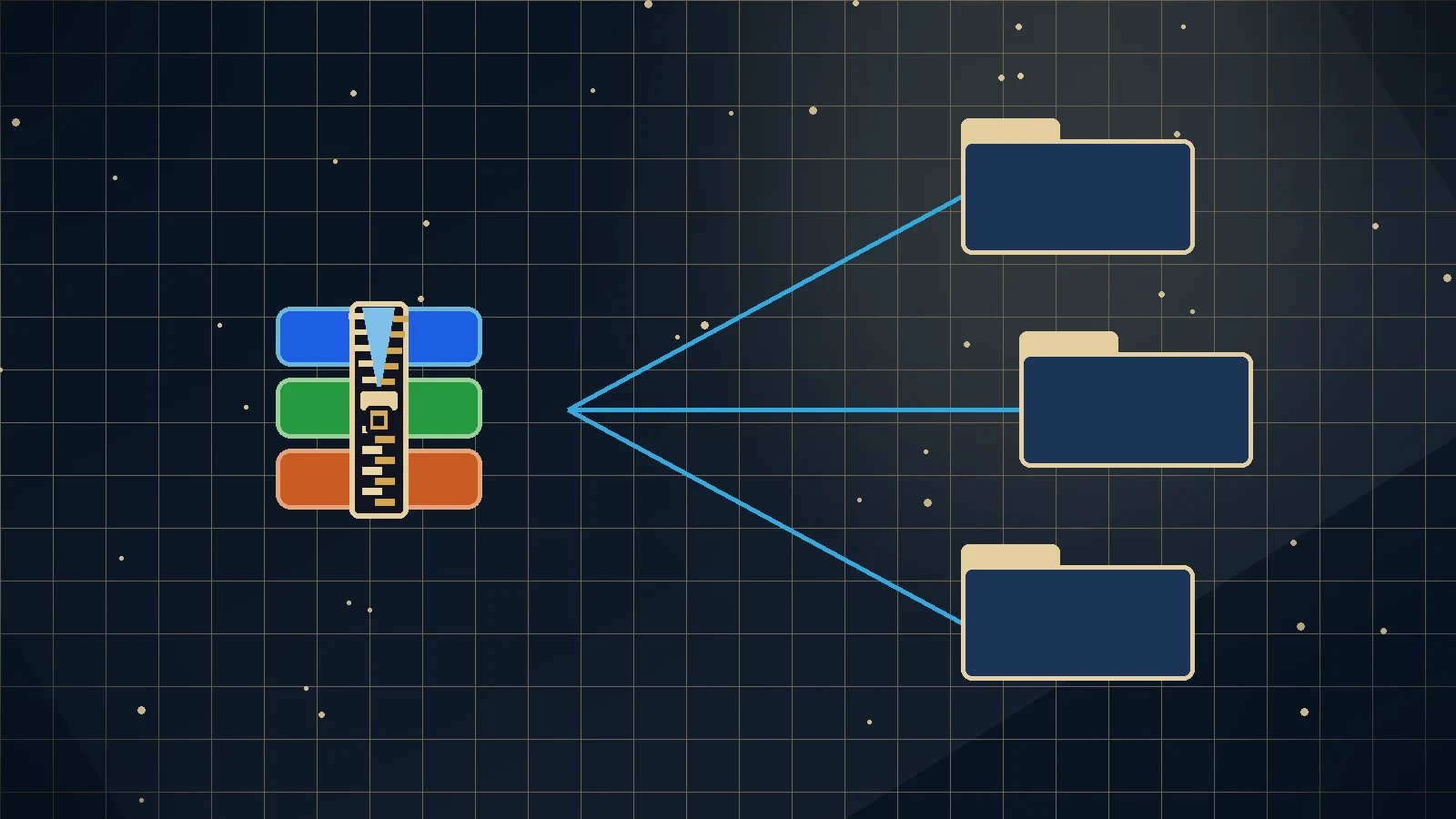
Select 10, 50, or 200 ZIP and RAR downloads at once and unpack each archive cleanly into its own dedicated subfolder with one right-click.
Read the full guide
Extract standard .rar, modern RAR5, password-locked archives, and split .part01.rar bundles on Windows 10 and 11 safely without paying for WinRAR.
Read the full guide
Clear guide comparing ZIP, 7Z (LZMA2), RAR5, and TAR.ZST by compatibility, file size savings, encryption headers, and long-term portability.
Read the full guideInstead of wrapping Chromium tabs in 350 MB of RAM just to browse a ZIP folder, WinVault compiles to a compact 163.5 KB Windows desktop app paired with a 9.5 KB stripped x64 native security core (WinVaultCore.dll) and 23.5 KB pure native COM shell handler (WinVaultShell.dll)—delivering zero-elevation HKCU integration and anti-tamper protection.
Modal "buy license" nags interrupt daily workflows, tempting coworkers toward shady keygen downloads, while legacy static menus show pointless bulk extract lines even when clicking one single ZIP or text file.
Registers pure native x64 Explorer integration cleanly without Admin prompts, stops messy Pack\Pack\ double folders automatically, and locks binary integrity against fake cloned repackages via SHA-256.
 OFFICIAL FREEWARE · $0 FOREVER
One clean 163.5 KB desktop executable paired with a native stripped x64 security core (9.5 KB) and pure native x64 Explorer shell extension (23.5 KB). Zero background updaters, zero telemetry, zero ads, and full RAR5 / ZIP / 7Z / TAR / ISO extraction out of the box.
cf05a6d5b9ce80ffd9ab0f5a5b85e9614d320b27c949a396503202a0860ac8d8Transparent answers covering RAR5 licensing, Windows 11 Explorer compatibility, HKCU standard-user setup, and encryption standards. Read the full 2026 Pillar Guide for benchmarks.
Yes. WinVault is proprietary Freeware—100% free forever for personal laptops, classrooms, studios, and commercial corporate deployments when downloaded from winvault.app. There are zero nag dialogs, zero ads, zero tracking beacons, and no subscription nags ever.
Yes. Pair WinVault with free open-source 7z.exe (auto-detected automatically in Program Files or placed beside WinVault.exe), and WinVault opens, tests, extracts, and converts .rar, RAR5, .7z, .zip, .tar.zst, .iso, and over 30 formats cleanly offline.
Highlight 2 or more archive files inside Windows File Explorer, right-click, and click WinVault: Extract each archive to separate folder. WinVault automatically detects multi-archive selection inside WinVaultShell.dll and creates clean dedicated subfolders for each pack without spilling files onto your Desktop.
No. Running Install-Explorer-Menu.bat (or WinVault.exe --integrate) registers crisp 32-bit premultiplied ARGB menu icons strictly inside your personal HKEY_CURRENT_USER registry hive, installing cleanly even on locked school or corporate PCs in under one second.
Yes. WinVault validates every extracted entry through canonical Path.GetFullPath bounds enforcement to block Zip-Slip directory traversal attacks, lets you verify AES-256 encrypted containers, supports CRC32 bitstream testing (Alt + T), and ships deterministic SHA-256 verification checksums.
Smart Extract peeks inside the archive structure before unpacking: if files sit loose inside the archive root, WinVault places them safely inside a clean named subfolder; if everything already sits wrapped inside one root directory matching your package, it prevents awkward double nesting like Assets\Assets\.
Every security claim, encryption setting, and benchmark timing published on winvault.app links directly to primary cryptographic standards and official SHA-256 checksums verified by WinVaultCore.